By Ky Tutur, Javanese Culturalist • Published on September 27, 2025
If you’ve ever tried to read or write Javanese script online, you’ve probably seen it: a frustrating string of empty boxes (☐☐☐), or a jumbled mess of characters that look nothing like the elegant script you expected. In many cases, the issue comes from a lack of proper Javanese Unicode support, which leaves the text broken or unreadable.
This digital breakdown can make it seem like Javanese script is incompatible with modern technology, but the reality is different. When Javanese Unicode is correctly applied, the script displays beautifully across devices and browsers.
The real challenge lies not in the script itself, but in technology’s failure to process Javanese Unicode properly. With better fonts and smarter rendering systems, Javanese Unicode can ensure that every character appears as intended, preserving both accuracy and cultural elegance.
The solution lies in two powerful but often misunderstood concepts: Javanese Unicode and “smart” fonts. Think of Unicode as a universal library that gives every character a unique ID number, and the font as the skilled artist that knows how to draw it. Without both working together, chaos ensues.
This guide will demystify the technical magic required for perfect Javanese web typography. At the heart of this process is Javanese Unicode, which provides the foundation for accurate digital representation of the script.
We’ll explain what Javanese Unicode is, why a simple font file isn’t enough, and introduce the concept of OpenType features that bring the script to life. Without Javanese Unicode as a standard, even the most beautiful fonts would fail to render properly.
Most importantly, we’ll give you actionable solutions—from recommended fonts to code snippets—so you can ensure that Javanese Unicode works seamlessly on your site, making Javanese text display beautifully and correctly every single time.
What Is Unicode, and Why Does It Matter?
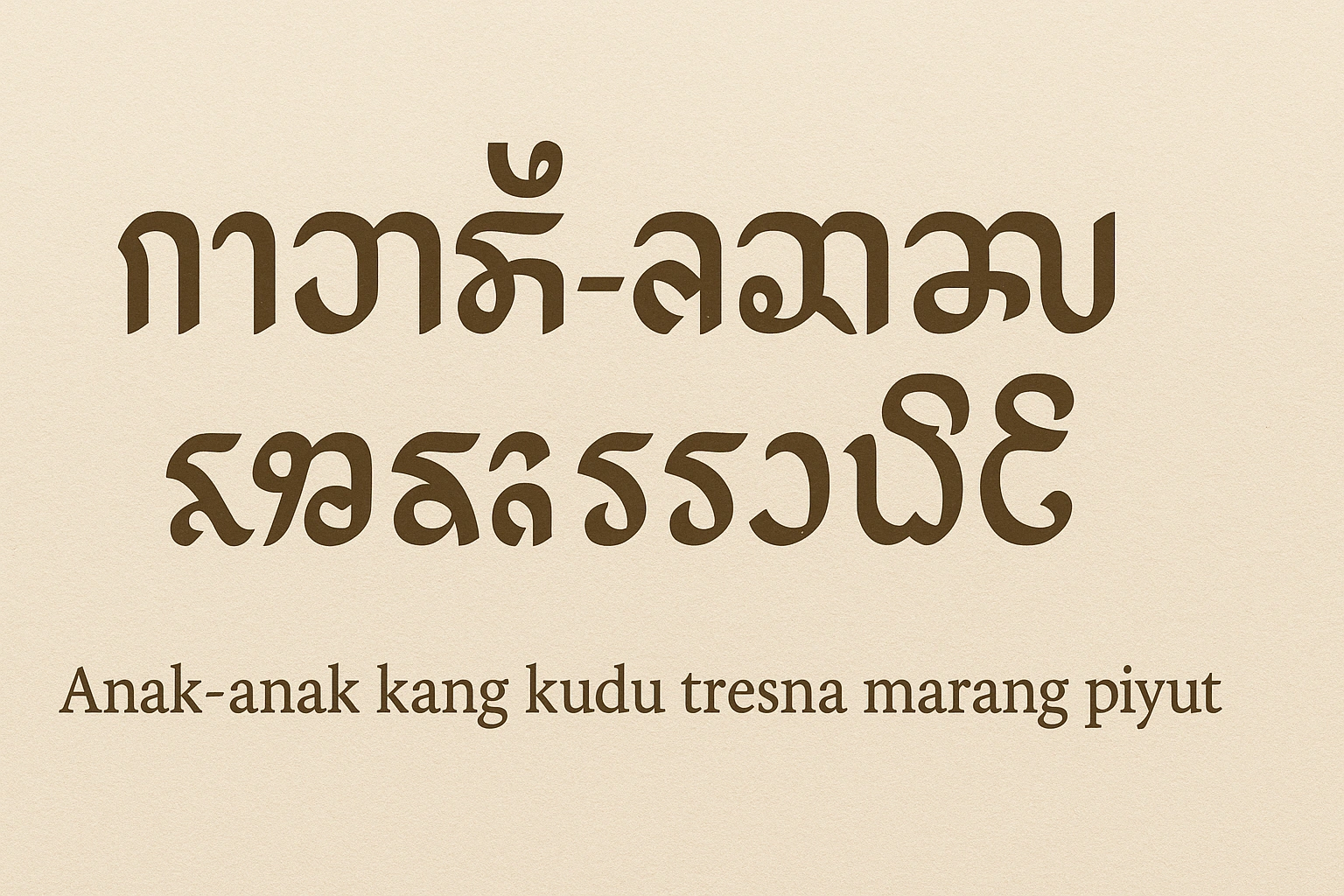
At its core, Unicode is a simple idea: it’s a single, universal standard that assigns a unique number, called a “code point,” to every single character in every language in the world. The character ‘A’ is U+0041, the emoji ” is U+1F602, and the Javanese character ‘ka’ (ꦏ) is U+A98F.
Before Unicode, displaying different languages was a nightmare. Dozens of competing encoding systems existed, and a file written on one computer would appear as gibberish on another. Unicode fixed this by creating a global consensus. The Javanese Unicode block, which spans from U+A980 to U+A9DF, contains every character needed to write the script, including:
- The 20 base consonants (*aksara nglegena*).
- The vowel modifiers and other diacritics (*sandhangan*).
- The consonant subscripts (*pasangan*).
- Punctuation marks and digits.
But here’s the crucial part: Unicode only defines the “what,” not the “how.” It tells a computer, “This is character U+A98F,” but it doesn’t tell it how to draw it, especially in relation to other characters. That’s the font’s job.
The Font Engine: Why OpenType is Non-Negotiable
Javanese is a complex script. Characters don’t just sit next to each other like in English. Vowel marks attach above and below, and consonants combine into stacked clusters. A simple font that just contains the shapes of the characters is not enough. It will result in a jumbled, unreadable mess.
This is where OpenType technology comes in. An OpenType font contains not just the character shapes (glyphs), but also a set of programmable rules that tell the computer’s rendering engine how to combine and substitute those glyphs based on context. For Javanese, these rules are essential for:
- Forming Consonant Clusters: When a base character is followed by a subscript (*pasangan*), the font’s logic automatically forms the correct ligature, stacking them vertically.
- Positioning Vowels: The font knows exactly where to place vowel diacritics relative to any base character, no matter its shape.
- Contextual Substitution: It handles all the complex interactions that make the script work.
In short, a “dumb” font is a dictionary of shapes. A “smart” OpenType font is a grammar expert that knows how to assemble those shapes into coherent words.
Common Rendering Problems & Their Causes
When you see broken Javanese text, it’s usually one of these three issues.
Problem 1: The “Tofu” Boxes (☐☐☐)
What it looks like: A series of empty squares where the text should be.
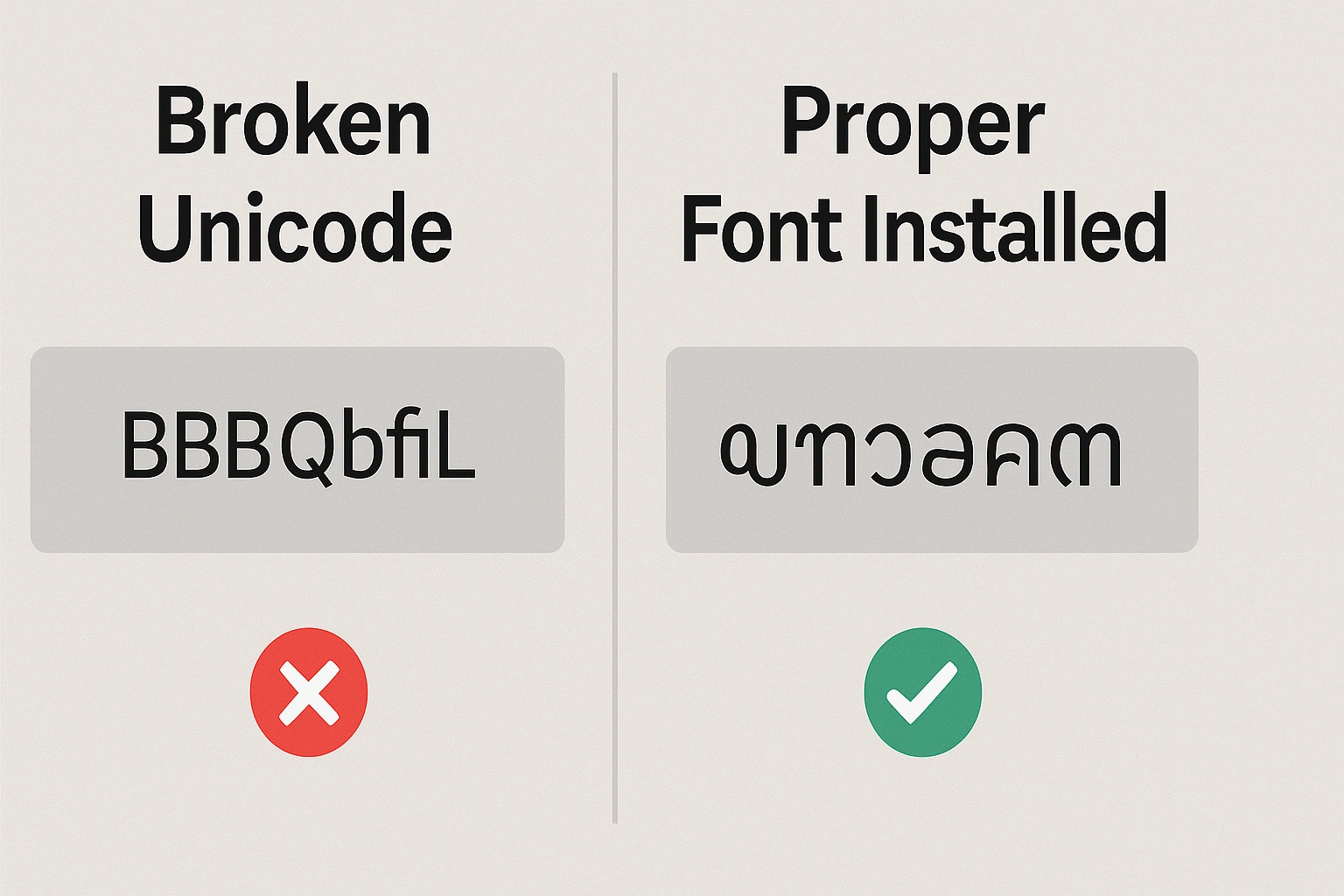
What it means: This is the most basic failure. Your operating system or browser cannot find a single font on your device that contains the glyphs for the Javanese Unicode range. It knows what the characters are supposed to be, but it has no “drawing” instructions for them, so it displays a placeholder box (nicknamed “tofu” by developers).
Problem 2: The Jumbled Mess
What it looks like: The characters appear, but they are laid out sequentially instead of stacking and combining. A subscript might appear after a character instead of under it.
Example: The word “tresna” (ꦠꦿꦼꦱ꧀ꦤ) might look like: ꦠꦿꦼꦱ꧀ꦤ
What it means: You have a font that contains the Javanese characters, but it’s a “dumb” font that lacks the necessary OpenType rendering rules. Alternatively, your software (like an old web browser or basic text editor) is not correctly applying the OpenType logic that the font provides.
Problem 3: Dotted Circles (◌)
What it looks like: A character appears next to a dotted circle, like ◌ꦶ.
What it means: This indicates that a combining mark (like a vowel diacritic) has been typed without a base character to attach to. The dotted circle is a placeholder shown by the font to indicate an orphaned mark. This is usually the result of an input error or a faulty keyboard layout.
The Solution: The Best Javanese Fonts
To solve all these problems, you need to use high-quality fonts with comprehensive OpenType support. Luckily, there are excellent free options available.
Top Recommendation: Noto Sans Javanese
Developed by Google as part of its Noto (“No more tofu”) project, this is the gold standard for digital Javanese text. It is free, open-source, and has been meticulously designed to cover the entire Javanese Unicode range with flawless OpenType logic.
- Availability: It’s available on Google Fonts, making it incredibly easy to use for web typography.
- Reliability: It is the default Javanese font on Android and many other systems, meaning it’s the most tested and widely supported option.
Where to get it: Google Fonts
Another excellent option is Tuladha Jejeg, a community-developed font praised for its beautiful, traditional calligraphic style combined with modern OpenType features.
How to Implement Javanese on Your Website
For web developers and designers, making Javanese text render correctly for all your visitors is straightforward if you use a web font.
The Easiest Method: Google Fonts
This is the recommended approach. By linking to the Google Fonts stylesheet, you ensure that visitors will download the font automatically if they don’t already have it.
Step 1: Add the link to your HTML “
<link rel=”preconnect” href=”https://fonts.gstatic.com” crossorigin>
<link href=”https://fonts.googleapis.com/css2?family=Noto+Sans+Javanese&display=swap” rel=”stylesheet”>
Step 2: Apply the font in your CSS
font-family: ‘Noto Sans Javanese’, sans-serif;
}
Step 3: Use the `lang` attribute (Best Practice)
Always declare the language of the content in your HTML. This helps browsers, search engines, and accessibility tools apply the correct rules.
Preserving a Script for the Digital Age
The challenges of displaying Javanese script online are not a failing of the script itself, but a technical hurdle that has now been largely solved. With the growing support of Javanese Unicode, more devices and browsers can finally render the script the way it was intended. This makes Javanese Unicode an essential bridge between cultural heritage and modern technology.
Thanks to the standardization of Javanese Unicode and the development of intelligent OpenType fonts like Noto Sans Javanese, we now have the tools to ensure this writing system thrives in the digital world. By embracing Javanese Unicode in web design, designers and developers can preserve the script’s elegance while making it accessible to a global audience.
By using the right fonts and following best practices in web typography, we can eliminate the dreaded “tofu” boxes and ensure Javanese Unicode displays correctly across platforms. This way, the richness of Javanese language and culture can continue to live, breathe, and inspire in today’s connected world